
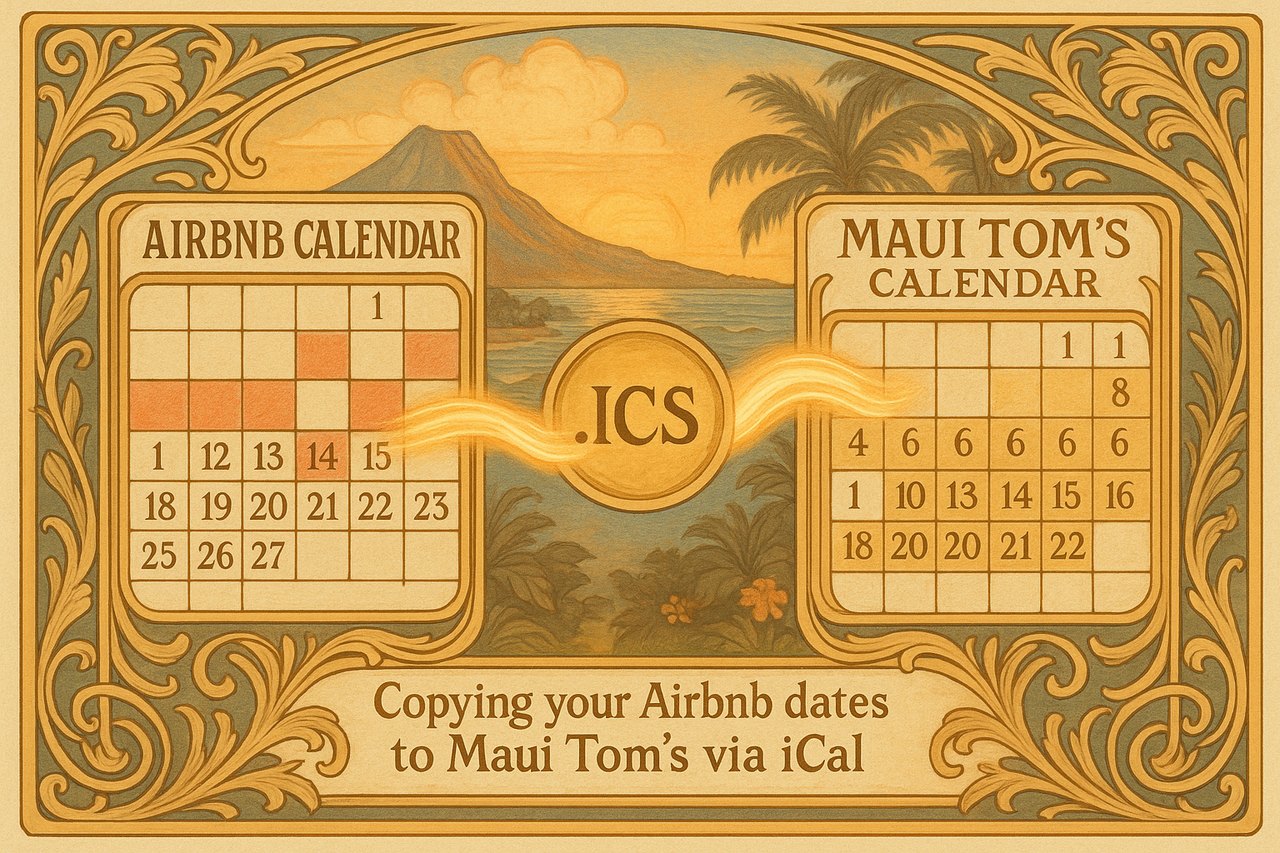
Linking your Airbnb calendar lets Maui Tom’s automatically schedule a professional turnover clean the moment a guest books or checks out — no manual updates, no missed cleans. Grabbing your Airbnb calendar link takes about a minute.
-
Open your Airbnb calendar
Sign in to Airbnb, click Calendar, and select the listing you want to sync.
-
Open Availability settings
Click Availability in the calendar settings panel.
-
Connect to another website
Under Connect calendars, click Connect to another website.
-
Copy your calendar link
Copy the Airbnb calendar link — it ends in .ics. That’s your iCal link.
-
Paste it into your Maui Tom’s account
Paste the link into the calendar field for your property in your Maui Tom’s account — while you’re onboarding, or anytime later from your profile when you add a calendar to an existing property.
Run into trouble? Airbnb occasionally updates their layout. If these steps don’t match what you see, check Airbnb’s official calendar-sync guide for the latest.
How Maui Tom’s connects to your calendar
Once your Airbnb calendar is linked, Maui Tom’s syncs your bookings automatically and schedules professional turnover cleaning for every checkout — so your Maui vacation rental is always spotless and guest-ready, without you lifting a finger. Update your calendar on Airbnb and we stay in step.